Upgrading to Bahmni v1
Latest Way to Migrate to v1
Go to this repo and follow the instructions there: https://github.com/eRegister/upgrade-to-v1
OR
Just ssh into your server, then copy and paste this line below:
curl -fsSL https://raw.githubusercontent.com/eRegister/upgrade-to-v1/refs/heads/main/install.sh | bash
An example of how to use flags below:
curl -fsSL https://raw.githubusercontent.com/eRegister/upgrade-to-v1/refs/heads/main/install.sh | bash -s -- --force --yes
Note
- The guide below will be kept to help maintain the automation script
Lab Integration Configs
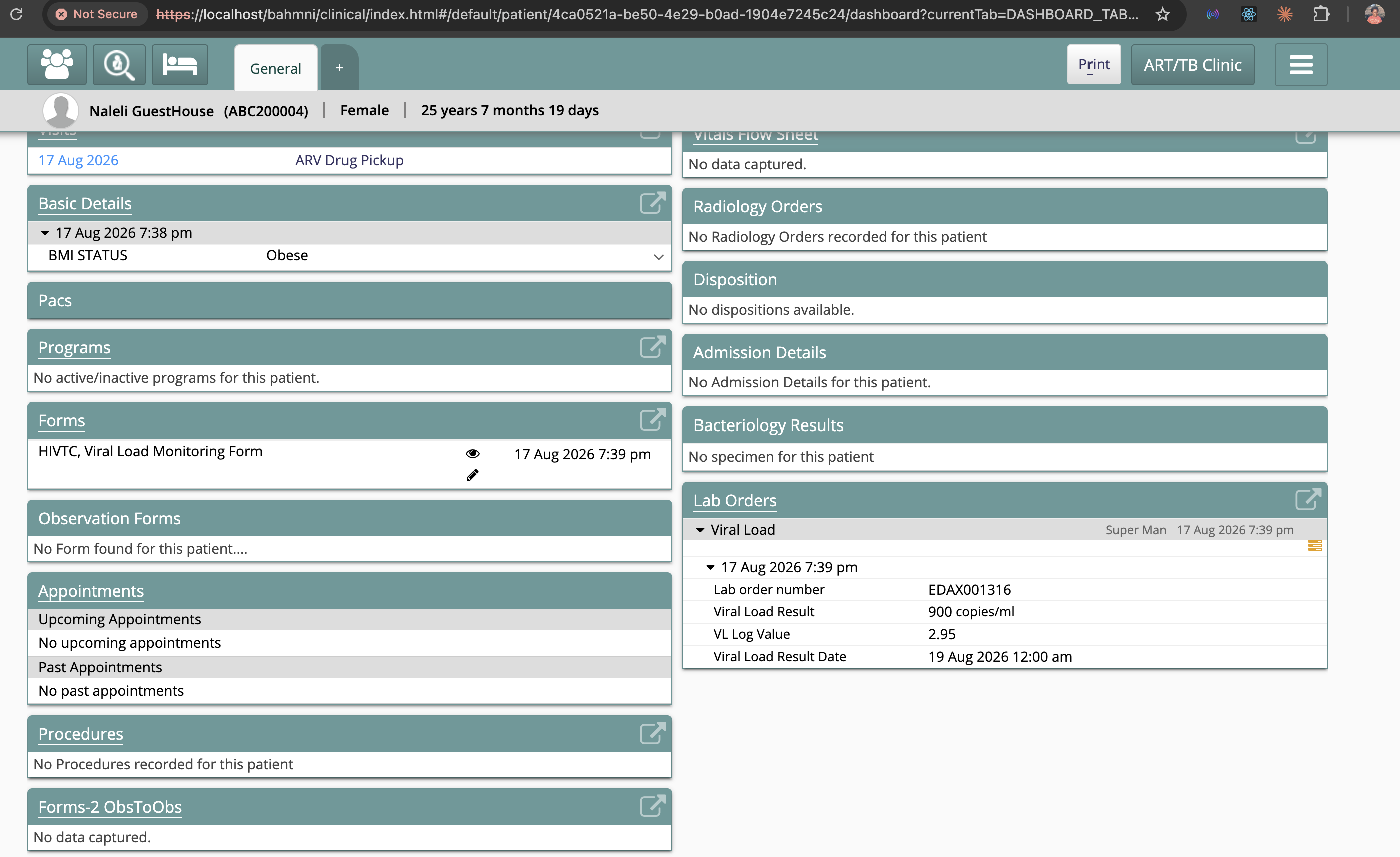
Just make sure that the "OpenELIS Pull Task" is active to enable OpenMRS to pull results.
**Artifacts Backup | <> **
- Bahmni Configuration:
- No need because everything's already hosted on GitHub
- Create a folder in the home directory and call it v1 with the following:
mkdir -p ~/v1 - OpenMRS Database Backup
- cd into the v1 folder from wherever you are in the directory with:
cd ~/v1 - First, run your backup to have the latest DB of the facility being upgraded
docker exec -ti bahmni_docker_emr-service_1 bashcd /development— this is done to put your DB on the /development_emr folder on the hosting systemmysqldump -u root -p openmrs>openmrs_today.sqlexitto exit MySQL clientexitto exit Docker CLI, back to your server CLI
- cd into the v1 folder from wherever you are in the directory with:
cd ~/v1to make sure you're in the v1 folder- Clone the eRegister v1 upgrade with
git clone https://github.com/Lesotho-eRegister-v1/bahmni-docker-ls.git - Clone the eRegister "bahmni_config" folder:
git clone https://github.com/Lesotho-eRegister-v1/standard-config-ls.git - Create the backup folder (still inside v1) with
mkdir bahmni-backup sudo cp /development_emropenmrs/openmrs_today.sql bahmni-backupsudo cp -R /development_emropenmrs/bahmni_config092 bahmni-backupmv bahmni-backup/bahmni_config092 bahmni-backup/bahmni_config- Rename your DB to openmrsdb_backup.sql
mv bahmni-backup/openmrs_today.sql bahmni-backup/openmrsdb_backup.sql- Make sure bahmni-backup has a folder named bahmni_config and a backup file named openmrsdb_backup.sql
- Two Step Restore:
- Note: To perform the upgrade, we need our instance to be running on MySQL 8 to take advantage of the enhanced security features. But to do that, we need to start with restoring our backup to MySQL 5.7 since it was running on 5.7.30 on eRegister 0.92.
- Let the restore run for a while. It's going to take some time, obviously, with varying ETAs based on the size of the DB.
- After the backup has been restored, log in to the system and test that you can search for a client on the Registration module.
- Then stop your instance and change the image to MySQL 8
cd ~/v1/openmrs/bahmni-docker-ls/bahmni-standard- Edit the .env to
OPENMRS_DB_IMAGE_NAME=bahmni/openmrs-db:1.0.0-standardandREPORTS_DB_IMAGE_NAME=mysql:8.0 - Run
./restore_bahmni_standard.sh /home/openmrs/v1/bahmni-backup ./run-bahmni.sh- After testing that the restore went well, you can shut down the instance by running
./run-bahmni.shand choosing option (2) - Restart your containers
Harmonizing the Concept Dictionary
We need to make sure that the concept dictionary is standardadized by following the steps below:
- ssh into your server with
ssh openmrs@server_ipand then enter the server the password when prompted - Make sure you're in the home folder with
cd ~ - clone the concepts folder by running
sudo git clone https://github.com/Lesotho-eRegister-v1/eregister_concepts_release_v1.git - Get into the Concepts folder with
cd eregister_concepts_release_v1.sql - Copy the concepts file into the container with
docker cp omrs_concept_dictionary_v1.sql bahmni-standard-openmrsdb-1:/ - Get into your container cli with
docker exec -it bahmni-standard-openmrsdb-1 bash - CD to the root folder with
cd / - Get into your MySQL server by running
mysql -u root -p - Choose your db
use openmrs - Import the latest concepts with
source eregister_concepts_release_v1.sql